
Connect your API number
WhatsApp Business API — an official number, bulk messaging, one inbox for your team
Register an API number, send notifications and promotions through Meta-approved template messages, and manage every conversation with your team in one inbox.
See the workflow ↓WhatsApp Business APIA message is only the beginning

Template messageOrder update · Approval required

DewiWhatsApp · 09:41
Assigned to Maya
 Maya09:42
Yes. Once the order is confirmed, we can send the updates you requested.
Everything the next agent needs
- Customer consent
- Requested updates
- Message template
- Approval required
- Reply owner
- Maya
Next actionPrepare the template & assign replies
WhatsApp Business API workflow
A workflow your team can use
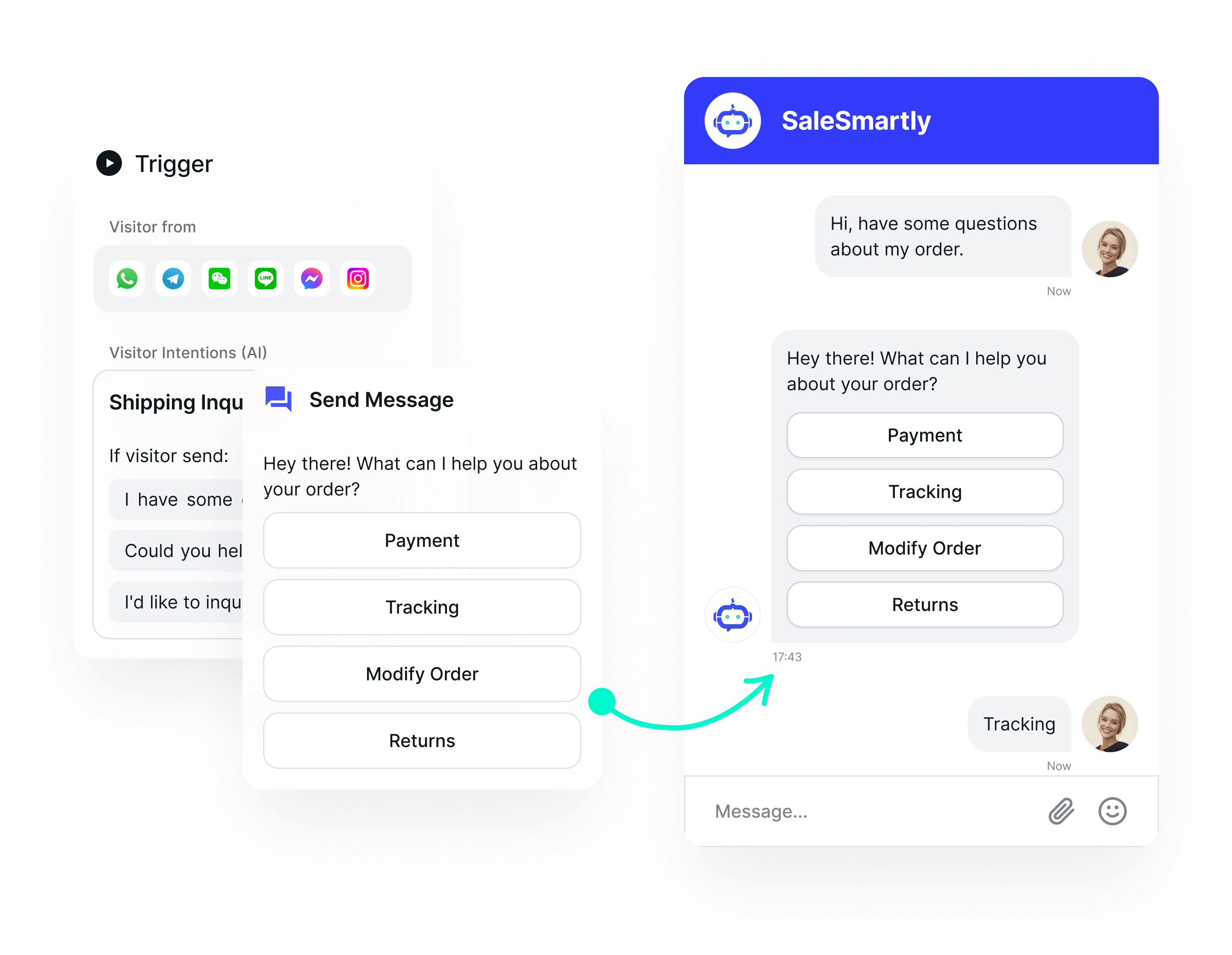
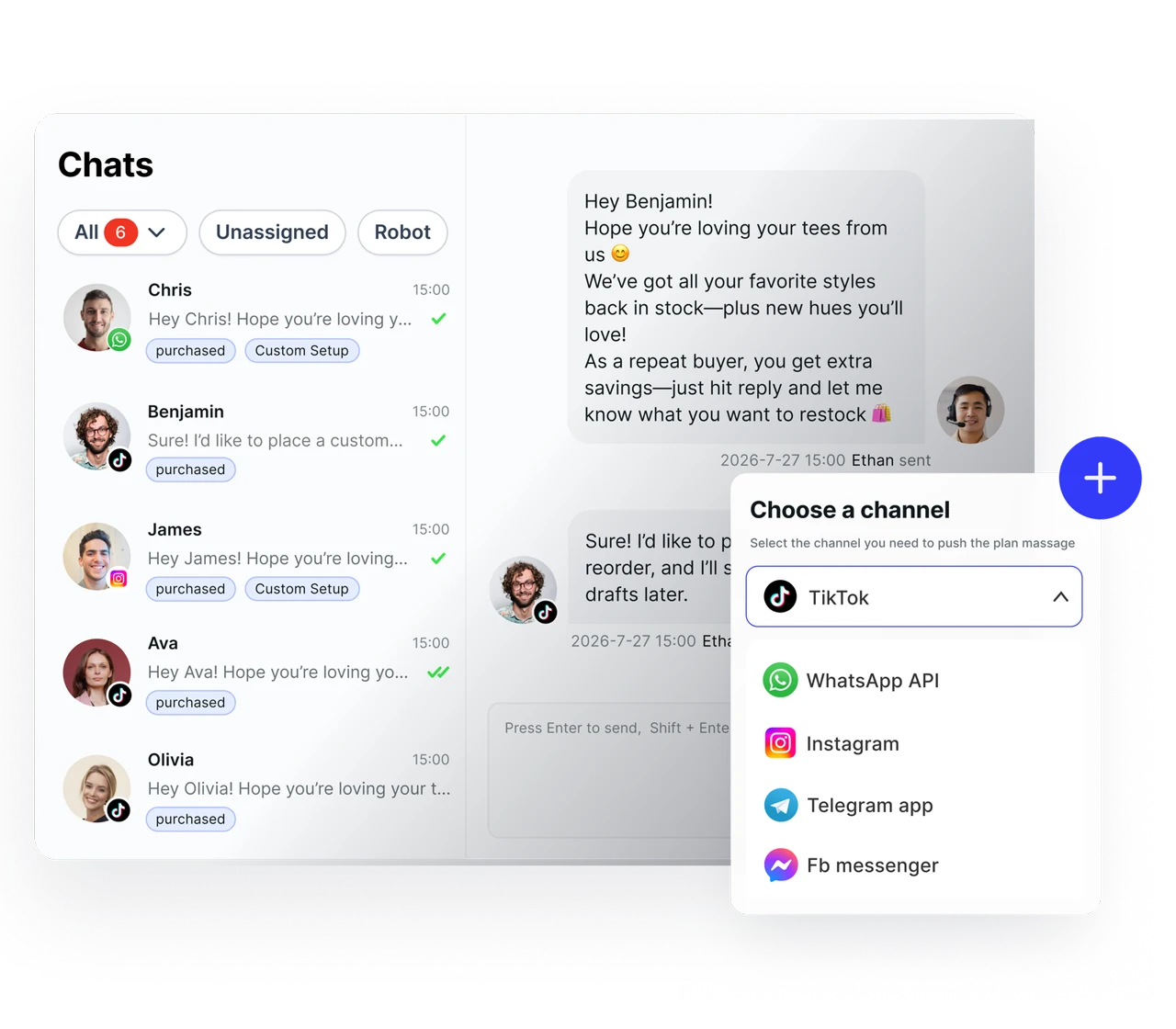
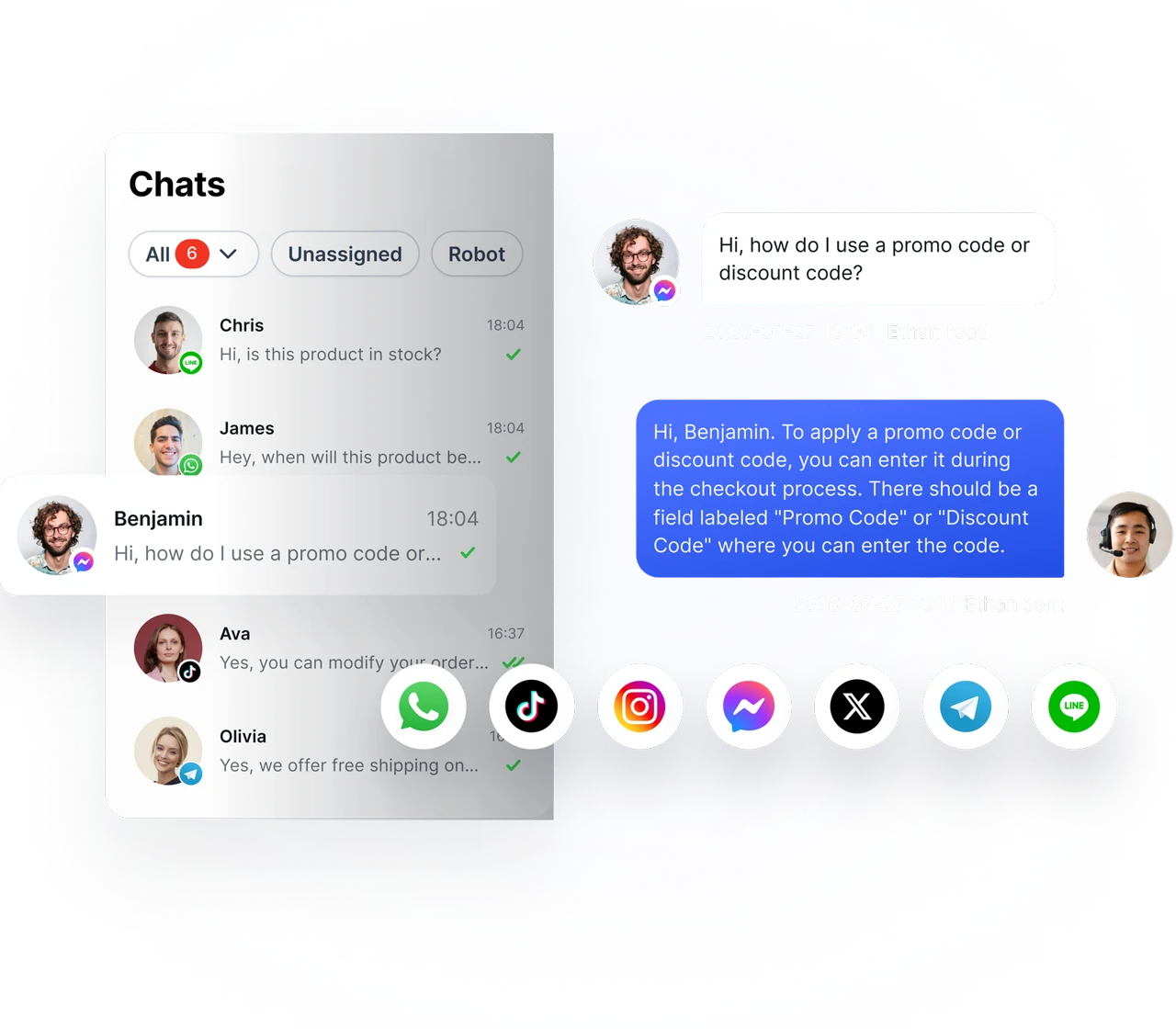
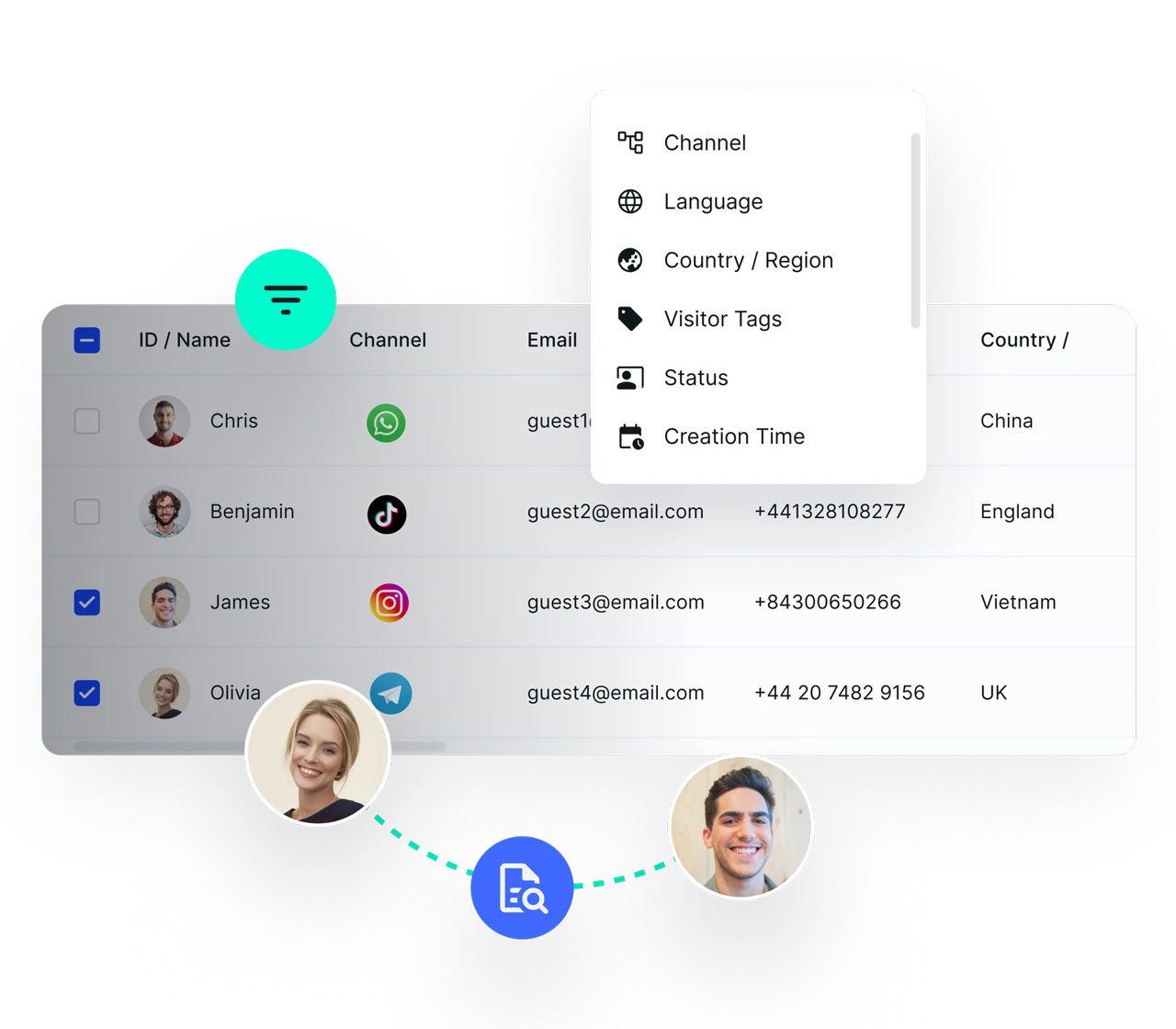
Prepare approved templates
Assign replies to your team
Review conversations and follow up
Build a messaging process before your first campaign
Confirm account access and customer consent. Submit the templates you need and plan who handles replies before sending messages.
Keep messaging and service connected
Route incoming replies to an owner, retain customer context and review conversations. Confirm integration requirements and Meta charges during setup.
Prepare your account and access permissions
Review business accounts, permissions and connection requirements. Using the API does not automatically grant a verification badge.
Reach customers at scale — through template messages
Send notifications, order reminders and promotions to many customers at once using Meta-approved templates.
Team collaboration and management
Multiple team members work in one inbox at the same time, share customer information across departments, and keep service continuous.
AI-powered automated service
The AI agent answers and qualifies customers 24/7, then routes the conversation to the right team member.
Integration and analytics
Connect to your CRM and other systems, with conversation data and team performance in one view.
Messaging compliance
Outside the 24-hour conversation window, messages must use Meta-approved templates and the customer must have opted in. SaleSmartly helps you manage templates and stay within Meta’s official rules.
Register a new number through SaleSmartly
API number registration is handled with help from the SaleSmartly support team, covering Meta business verification, message template submission and number setup. Contact us and the team will guide you through the process until the number is ready to use.
Connect an API number you already have
If you already have a WhatsApp Business API account, you can connect it to SaleSmartly right away to use the shared inbox, AI agent and automation. The system supports managing several accounts and collaboration across team members.
Frequently asked questions
What is the difference between WhatsApp Business and WhatsApp Business API?
The WhatsApp Business app handles business conversations through an app. The API can connect to platforms such as SaleSmartly for team workflows and integrations. Members, capacity, features and charges depend on the account and plan; API access does not automatically grant a verification badge.
How can we message customers who have not chatted with us before?
Use a Meta-approved template message, and make sure the customer has opted in to receive messages from your business. Outside the 24-hour conversation window, only template messages can be sent.
Who helps with the API number registration process?
The SaleSmartly support team can guide you through the connection requirements, business account setup and template submission. Use the help center or contact details on this page to discuss your existing number and setup.
Is it free to start?
You can start with the free plan. Check the pricing page for current user, channel and AI allowances. WhatsApp API usage may incur separate Meta charges.
SALESMARTLY
WhatsApp Business API
WhatsApp Business API for bulk messaging and team chat in one inbox.