New inquiryWaiting for a next step
One WhatsApp number passed around, and it is never clear who is handling which customer.
 Could someone help me continue my inquiry?

Assign conversations to the right admin, set permissions for each member, and keep the full chat history in the company account — not on a personal phone.
See the workflow ↓ Ethan→
 MayaContext includedMaya09:42
I’ve reviewed your earlier messages. I’ll take care of the remaining question.
Common shared-number challenges
New inquiryWaiting for a next stepOne WhatsApp number passed around, and it is never clear who is handling which customer.
Could someone help me continue my inquiry?An admin leaves and takes the customer chats on their personal phone with them.
The same customer gets two different answers from two admins.
Team management workflow

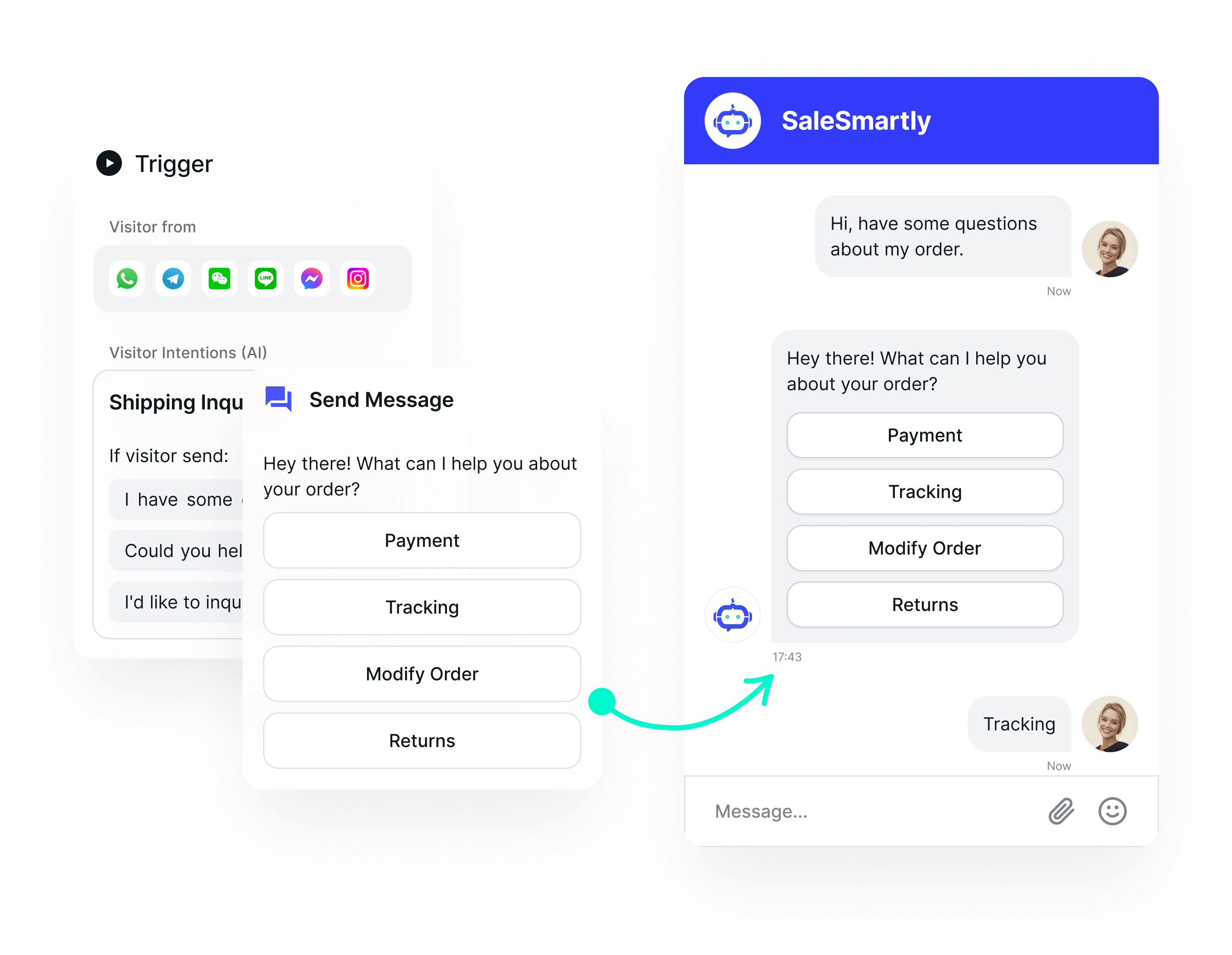
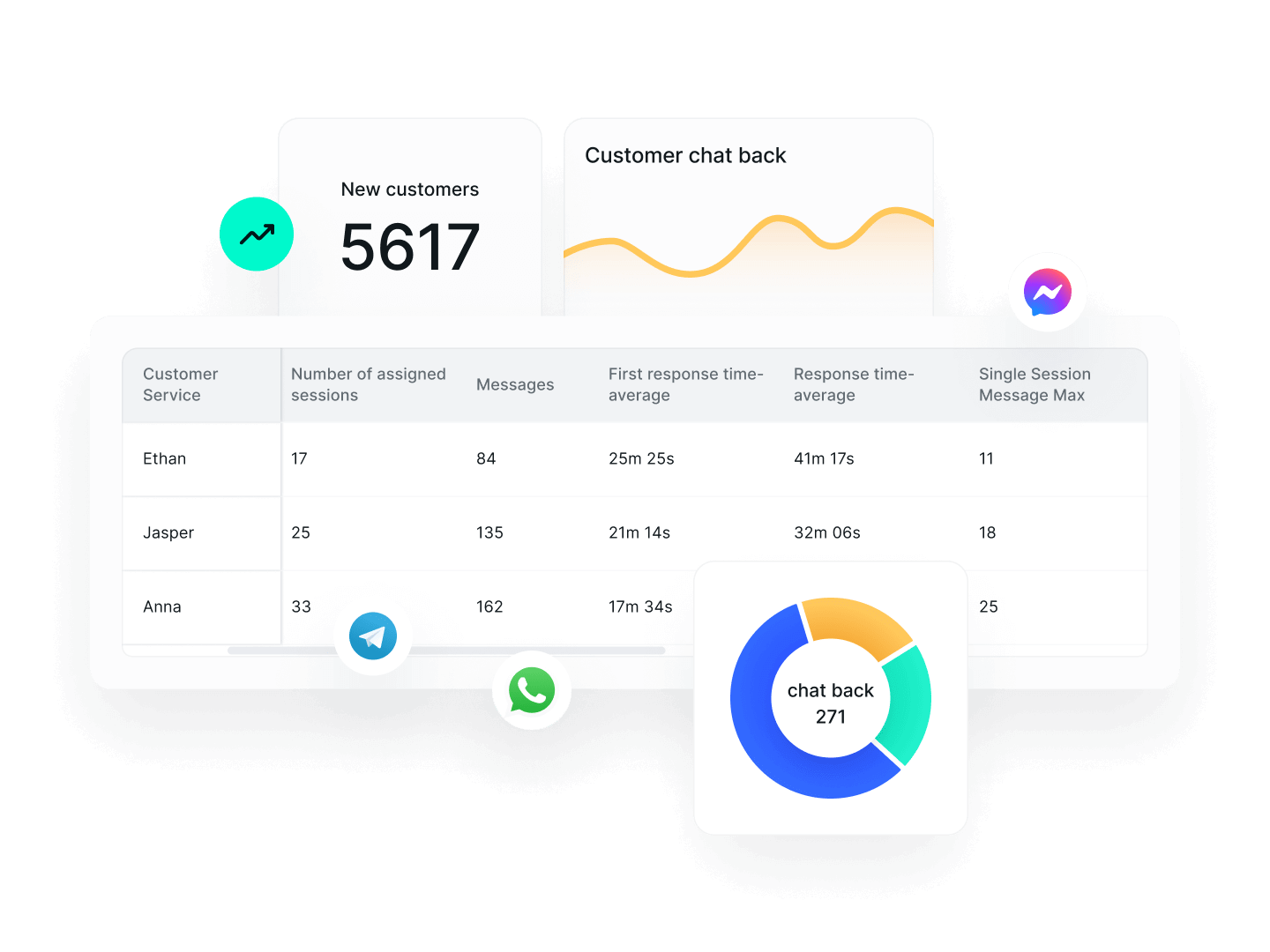
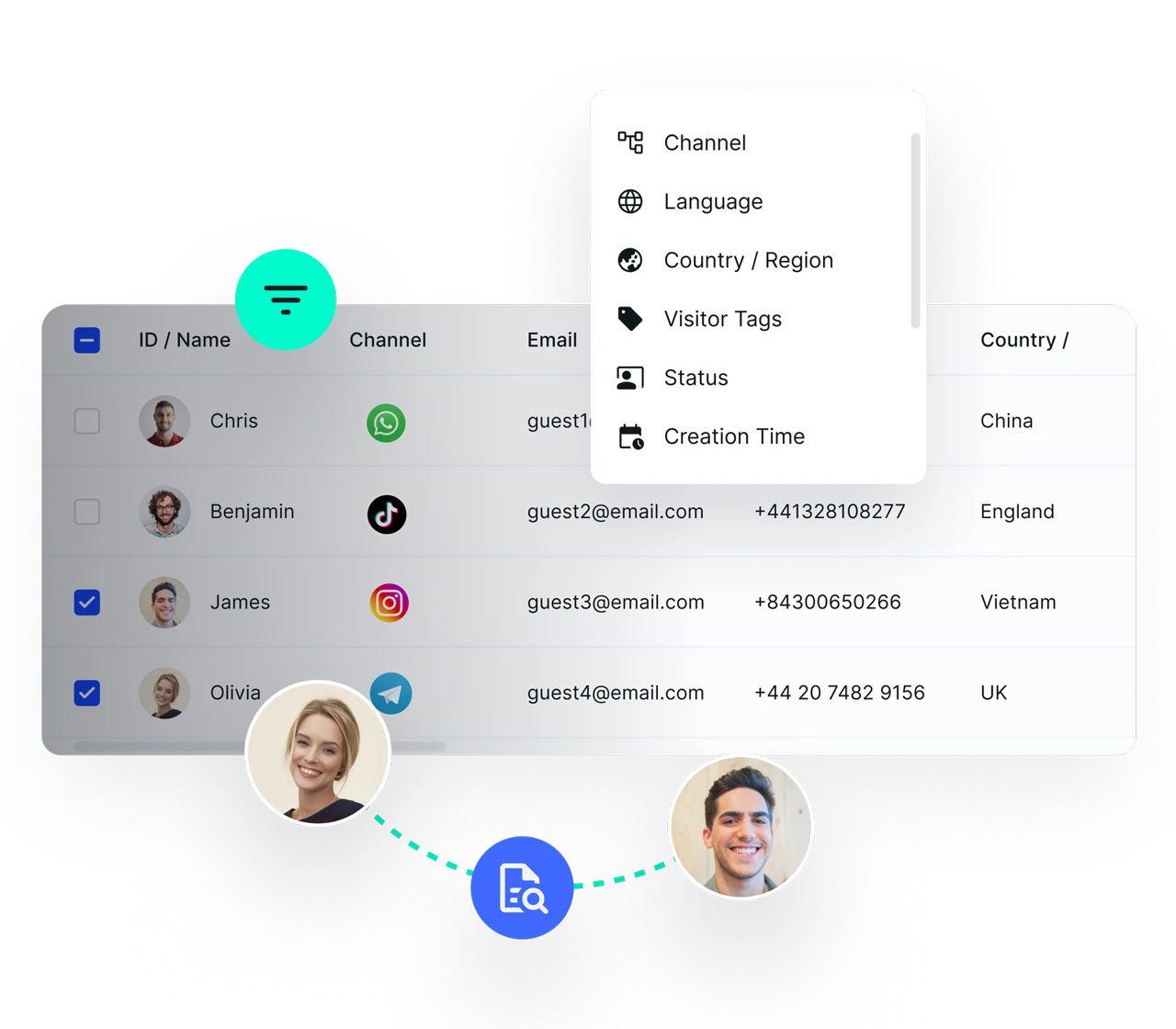
Shared inbox — Every conversation from every channel in one place
Auto-assignment — By shift, customer tag or admin expertise
Permissions and shift schedules — Decide who sees what and who is online when
History and handover — Reassign a customer to another admin in one step
Define routing rules and member access, then check the unassigned queue so incoming requests do not become everyone’s responsibility and nobody’s task.
Review history, update customer notes and reassign the conversation. Revoke a departing member’s workspace access as part of your handover process.
Yes. Connect the number once, then the whole team works from one shared inbox with an owner assigned to each conversation.
Yes. Set role-based permissions to control which conversations each member can see and what actions they can take.
No. Conversation history and customer records are stored in the company account. You can revoke that admin’s access and reassign their conversations to someone else.
You can start with the free plan. Check the pricing page for current user, channel and AI allowances. WhatsApp API usage may incur separate Meta charges.
SALESMARTLY
One WhatsApp number for the whole team: assign chats, set permissions and hand over customers with full history.